

Limits, timing and requests in progress
The direct answer
The BongoBongo withdrawal help page takes you through five steps: log in, open the profile, select the withdrawal option, enter an amount and confirm. The minimum is ZMW 10, and the withdrawal form in your account shows the final value for your request.
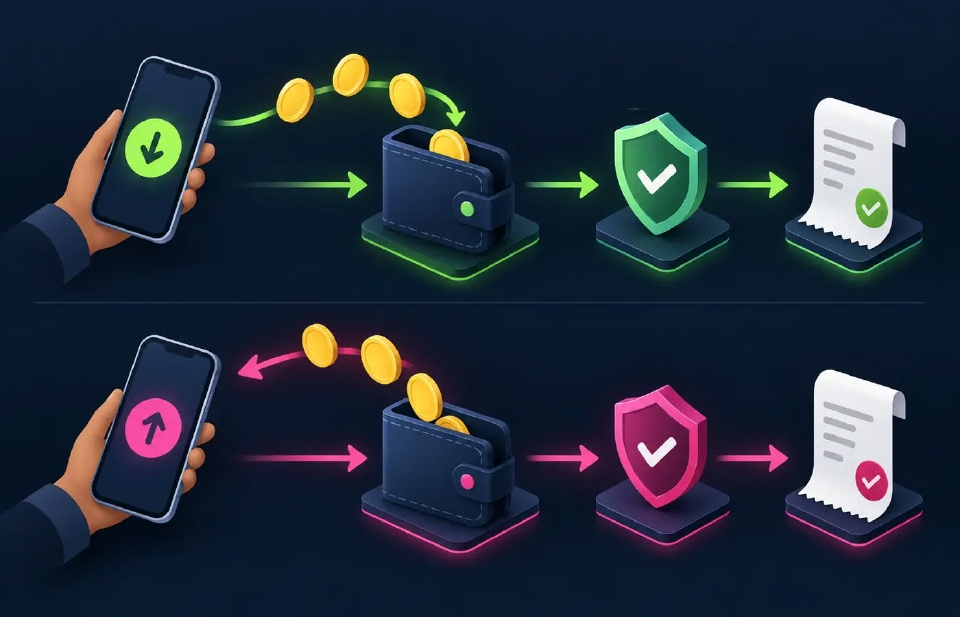
Check the recipient before confirming
Read the mobile number, method and amount as a single set, so the right amount reaches the right number. If the interface asks for account verification, complete it in your logged-in account.
After submission, keep the reference and current status. Your account password, four-digit PIN, mobile-money PIN and one-time code stay with you, and support works from the transaction details.
How long it takes
Mobile-money withdrawals are normally sent within one hour. Provider availability, recipient details and account checks are part of the processing time.
If the request is still pending, one request at a time keeps the transaction history clear.
Contacting support
Have these ready:
- The registered mobile number, partially masked when shown in a screenshot.
- Withdrawal amount and mobile-money method.
- Approximate submission time.
- Transaction reference and current status.
- A concise description of what was expected and what happened.
Use the support page to find the channels. Hide unrelated transactions and balances in any screenshot, and keep your authentication details to yourself.
For funding options rather than cash-out, use the payments page. If access to the account is the problem, the login page restores it before your next request.
Your first withdrawal
A first withdrawal follows the same simple route as every later one. Log in with your registered mobile number, open the profile and choose Withdraw, then pick Airtel Money, MTN Mobile Money or Zamtel Kwacha, enter an amount from ZMW 10 and confirm. Mobile-money withdrawals are normally sent within one hour to the number registered on the account, and the reference and status stay visible so you can follow the request. Withdrawals are fee-free at BongoBongo, with any mobile operator charge applying separately. Account details that match your registered number and mobile-money wallet keep each payout moving, and the support page offers a callback, Messenger and Telegram if you want a hand at any step of the way.
Verification and responsible play
An account or payment-provider check is part of the process, and you respond to it through the logged-in platform or a channel you reached from the BongoBongo service page.
Keep essential funds separate and set limits in advance. The platform is for adults aged 18 and over.