

Choosing and checking a payment method
Deposit methods and the live cashier
BongoBongo’s current Zambia help material names Airtel Money, MTN and Zamtel. Airtel users are shown both a USSD option and a website option, while MTN and Zamtel deposits are described through the website. The exact buttons available to an account can change, so the cashier screen should settle the final method choice.
The public deposit page currently displays a minimum of ZMW 1. An older terms page contains a different figure. This page therefore treats ZMW 1 as the amount shown on the current deposit screen, not as an unchangeable platform promise. Read the value beside the selected method immediately before confirming.
Before approving mobile money
Use a mobile number you control and check that the account details are correct. On the handset prompt, compare the amount and merchant information with the request you just created. Cancel an unexpected or duplicated prompt instead of approving it from habit.
The operator says it does not charge a deposit or withdrawal fee, but also notes that the mobile-network provider may charge. A network charge belongs to the payment service, so inspect the handset prompt or provider message for the final amount.
Never give a support agent or another person a mobile-money PIN, account password or one-time code. A transaction reference can help identify a payment; it should not require sharing authentication secrets.
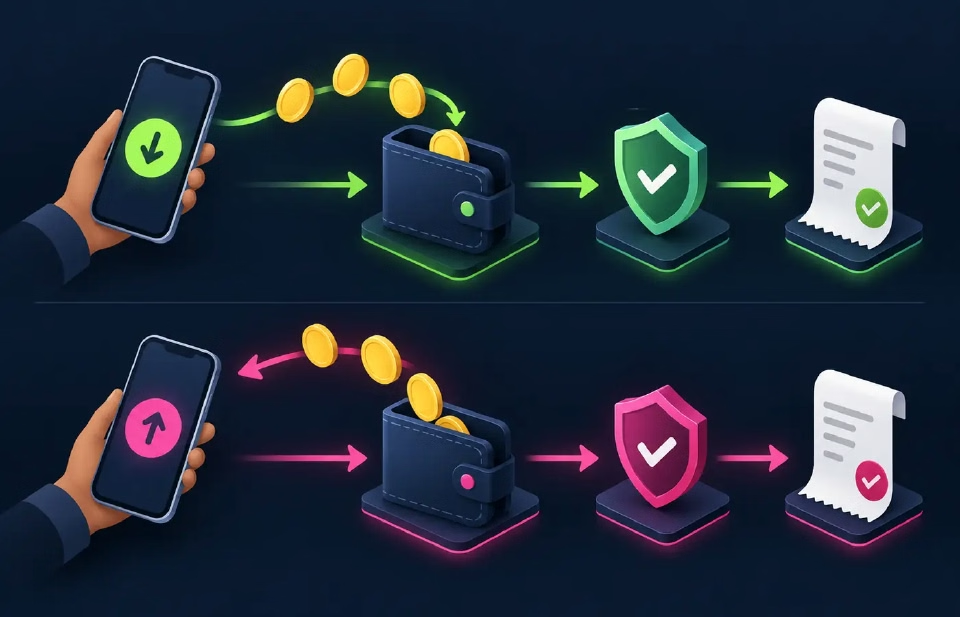
If a deposit does not appear
First check whether the mobile-money transaction completed or remained pending. Refresh the account once and allow the payment method time to update. Repeating the same deposit immediately can create two valid charges rather than repair the first one.
If the payment completed but the betting balance did not change, save the amount, approximate time, method and transaction reference. Use the support page to choose a current official channel. Redact unrelated balances or personal details from screenshots.
Registration must be complete before funding. The registration page explains the +260 mobile-number flow, while the app page distinguishes the Android APK from mobile-browser access.
Deposits and withdrawals are different jobs
A deposit adds funds to the account; a withdrawal sends an available balance out. The minimums and checks are not interchangeable. Do not infer a cash-out limit from the deposit screen or assume that using a method for funding guarantees the same withdrawal path.
For the published cash-out sequence, timing statement and escalation checklist, continue to the withdrawal page . Confirm the current withdrawal screen before submitting because account verification or provider checks can affect the request.
Set the limit before the transaction
The operator’s responsible-play material mentions deposit limits and self-exclusion. A limit is most useful when it is chosen before the next payment prompt appears. Decide an amount that does not compete with essential spending and avoid increasing it to recover a loss.
Payments make participation possible; they do not improve the probability of a result. BongoBongo is for adults aged 18 and over.